Display settings
Settings → Display controls the panel's screen. The three controls act immediately and are shared — changing them here changes the panel's screen, and the panel's own display settings show the same values.
- Brightness — 5 to 100 %. The value saves when you release the slider.
- Display off timeout — how long without a touch before the screen turns off entirely: Never, 30 seconds, 1 minute, 5 minutes, 10 minutes, 30 minutes, or 1 hour. Touching the panel wakes it.
- Screensaver after (clock) — how long without a touch before the panel shows the clock screensaver, with the same choices.
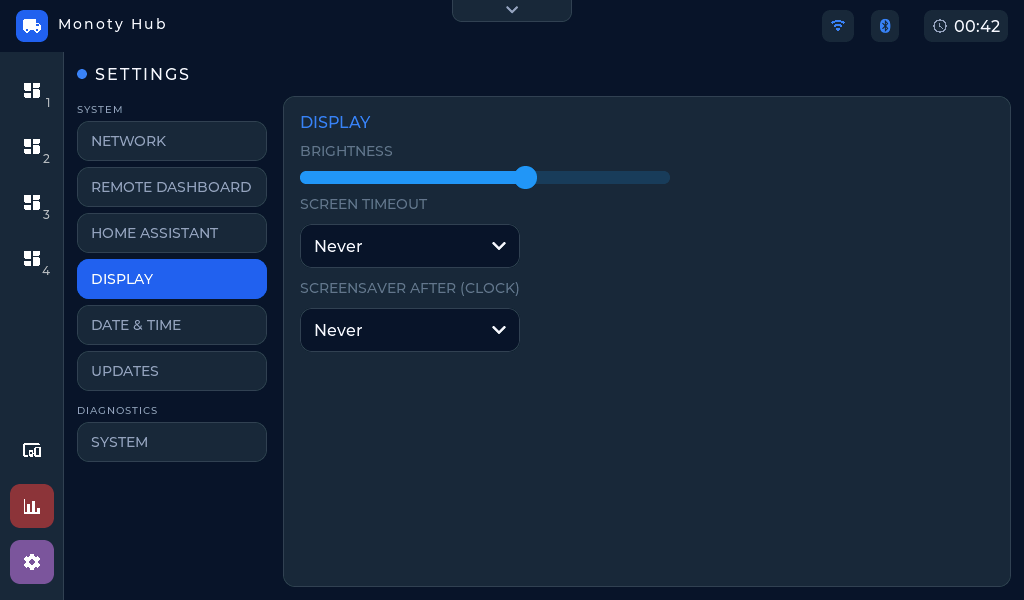 Settings → Display on the panel.